Read with ease
Dive into code
Read it easy is a desktop app to improve the UI/UX for reading source code.
This app is a read-only code editor to help us understand code.
Start your free 30-day trial
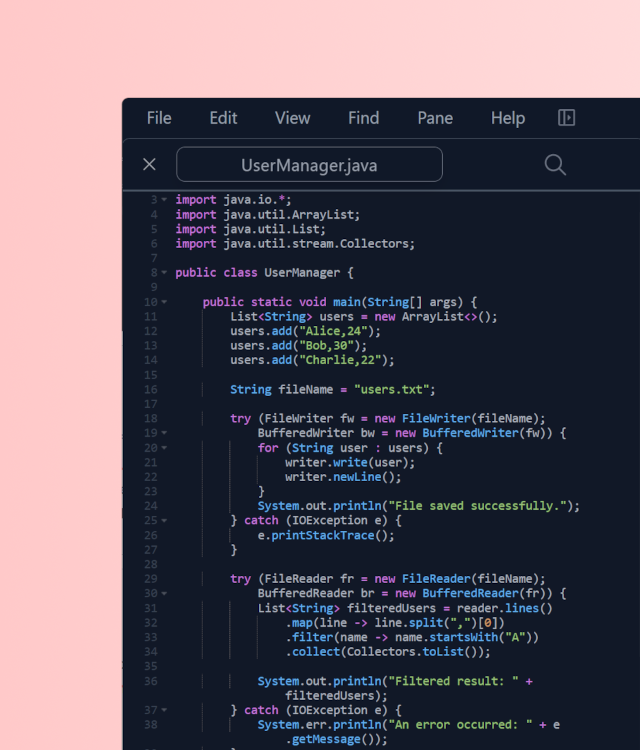
Trace code step by step with Go to Definition
Step through the code to understand how it works and trace control flow.
Double-click
and go to Definition
How many times per week do you use Go to Definition? Go to Definition can make code search easier, so we should use it more frequently.
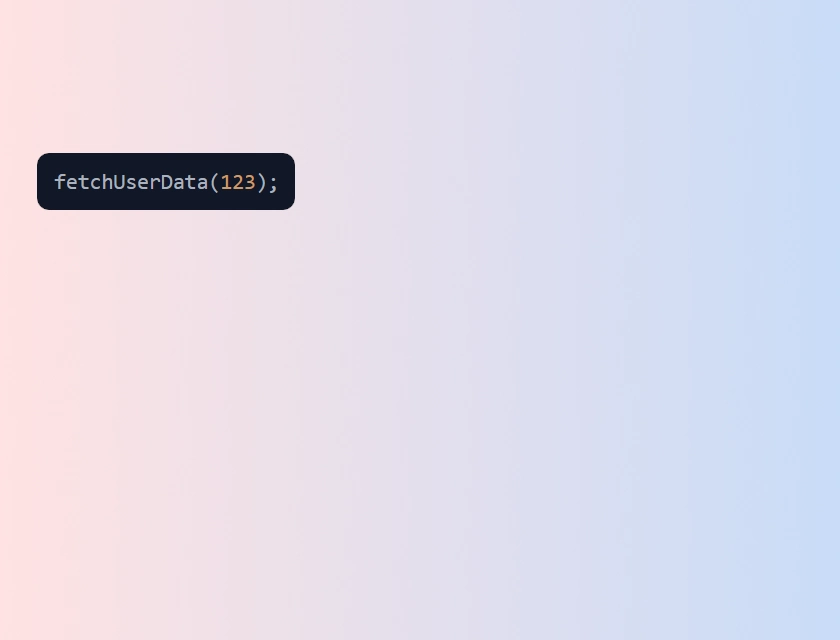
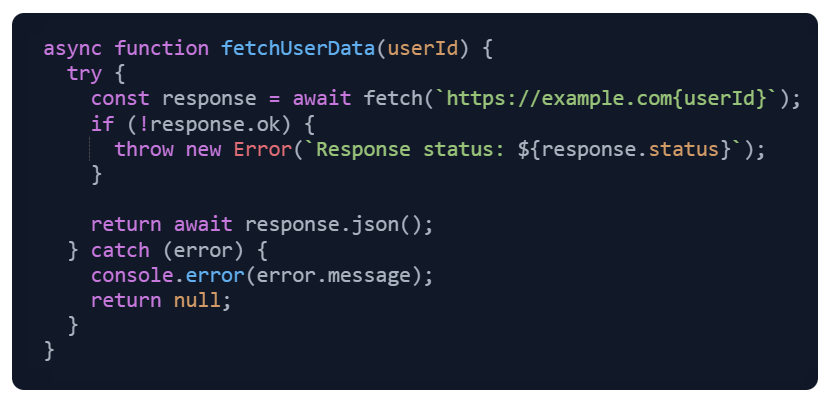


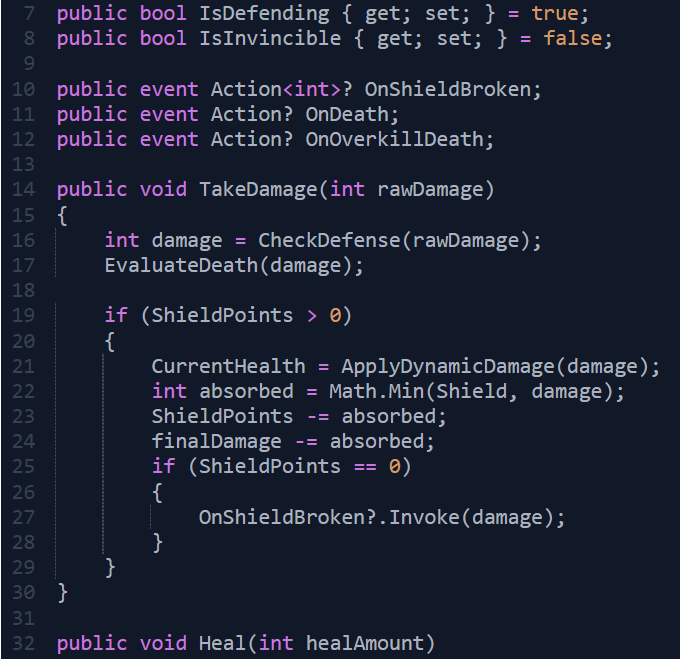
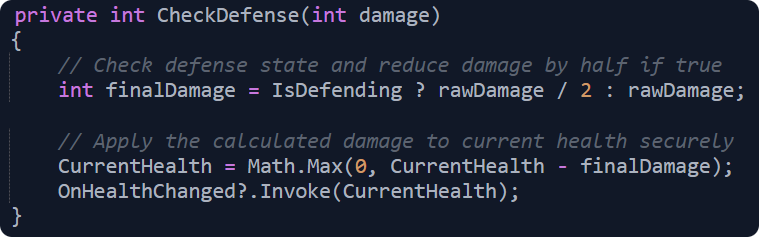
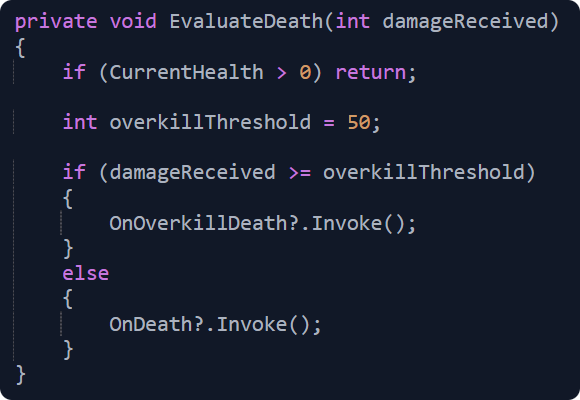
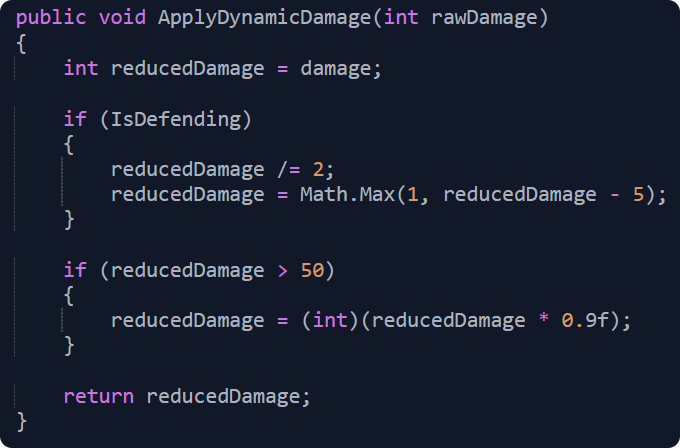
Look up definitions
over and over again
Animated Go to Definition doesn't bother us when reading code because it works quickly and easily. Much more information helps us understand how the code works. Don't hesitate to access the definitions.
Create a stack trace
with definitions
It is easy to understand how the control flow works if we read the code in the order of a function call chain. Animated Go to Definition shows us how to read and understand code.

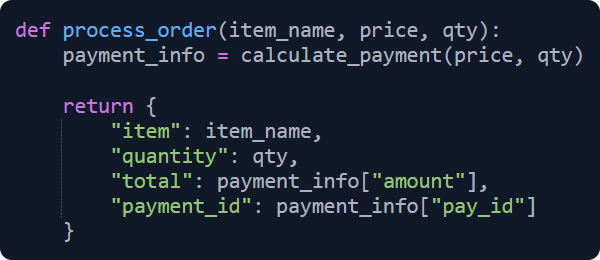
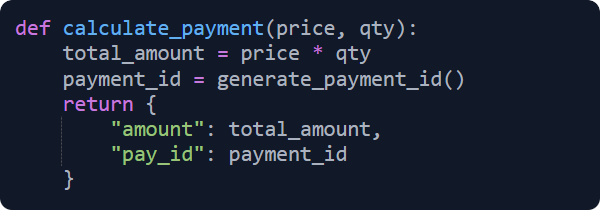
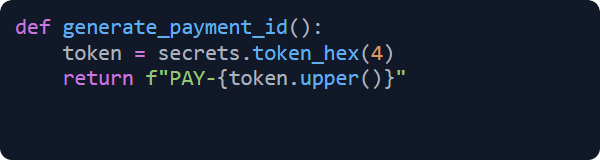
Keep code on screen for quick checks
Eliminate constant tab switching.
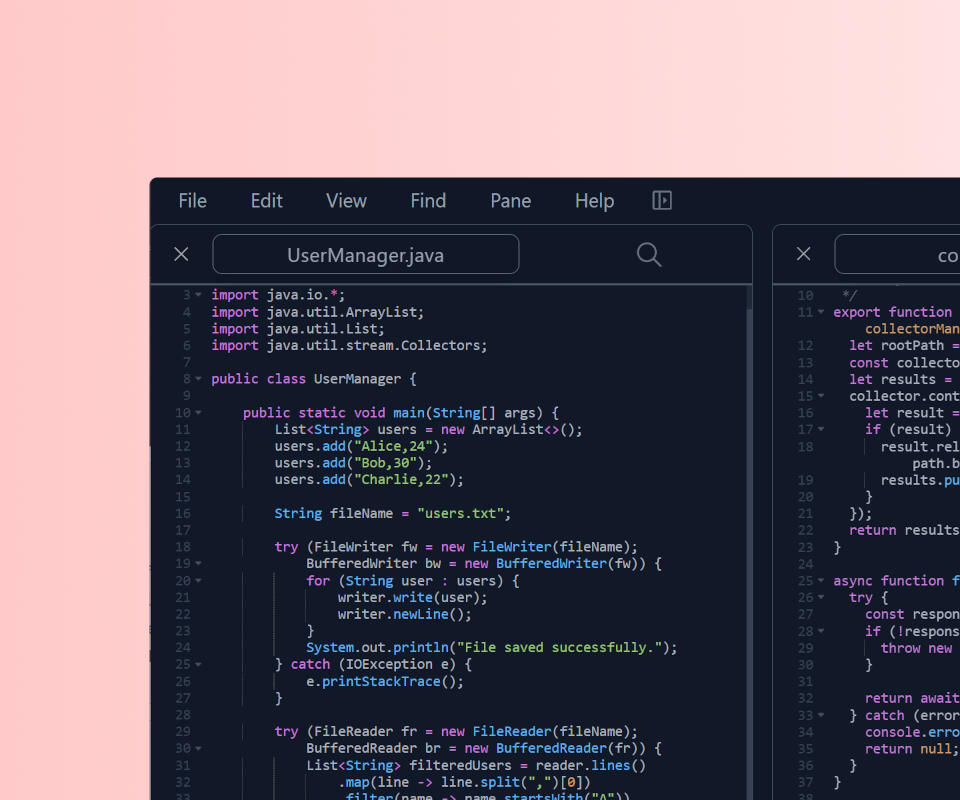
Read the code side by side
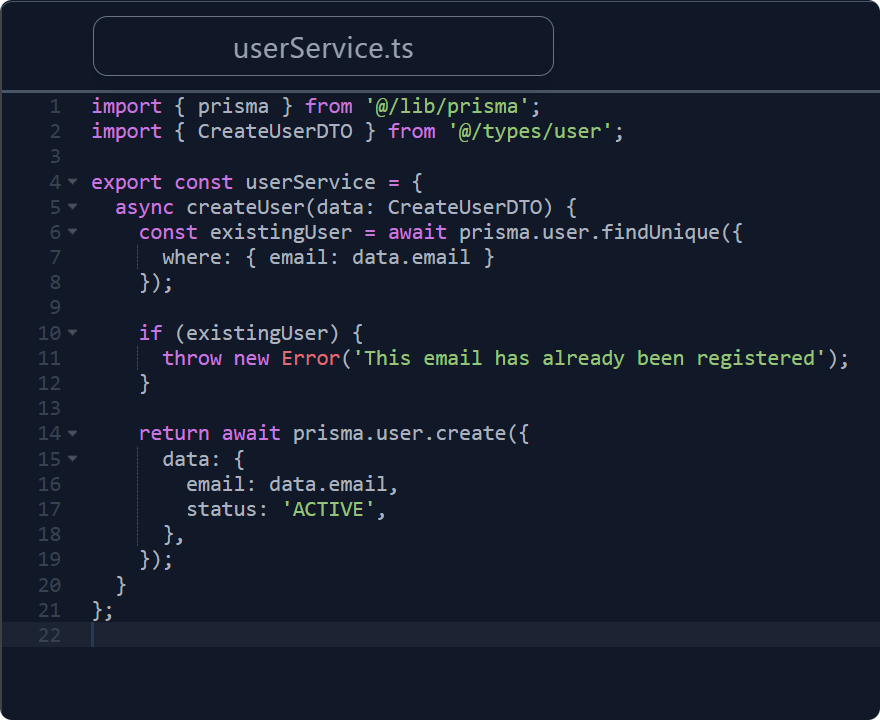
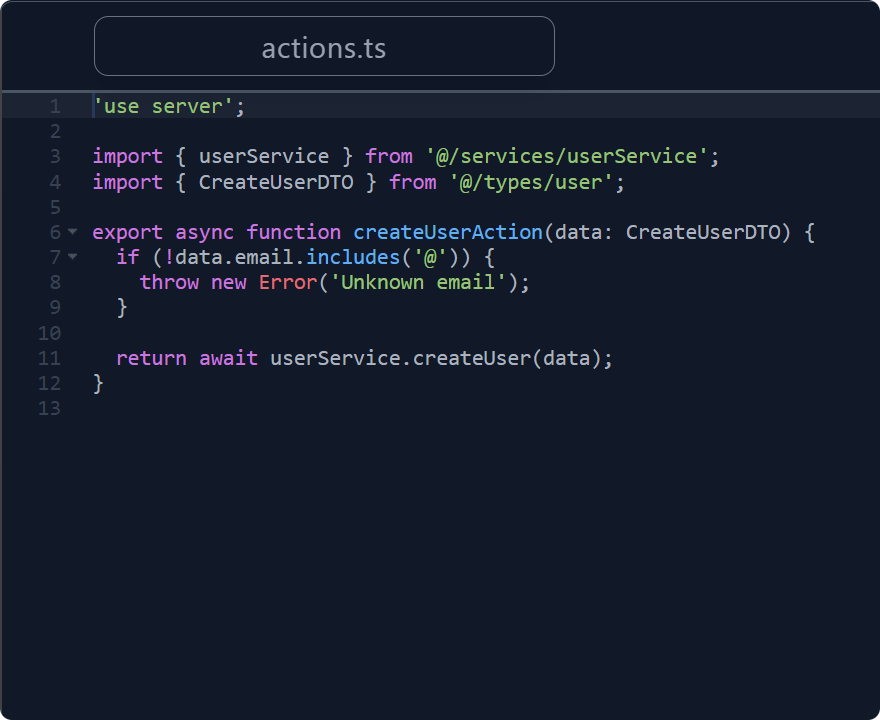
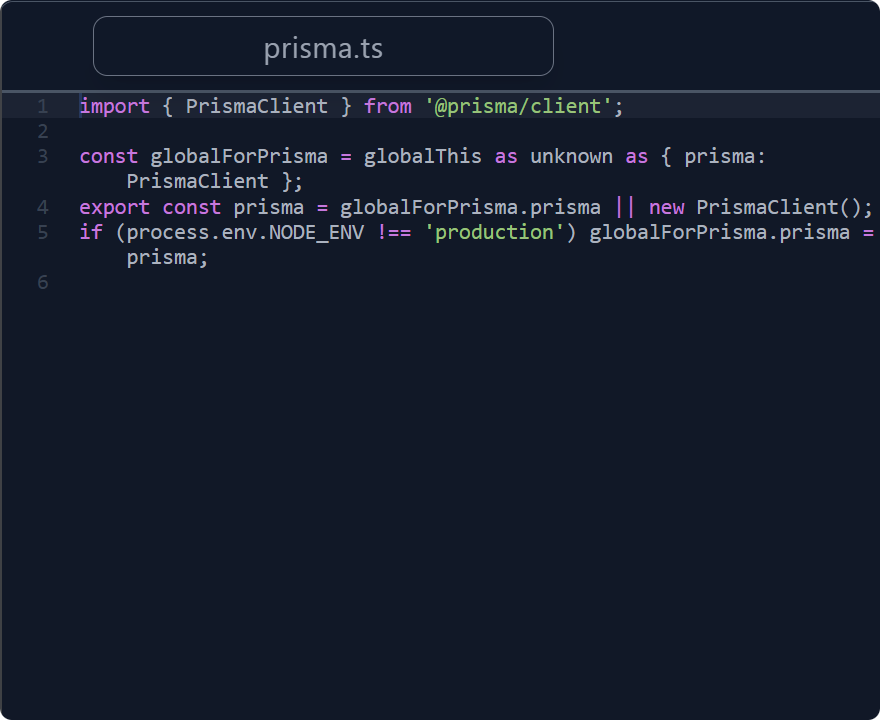
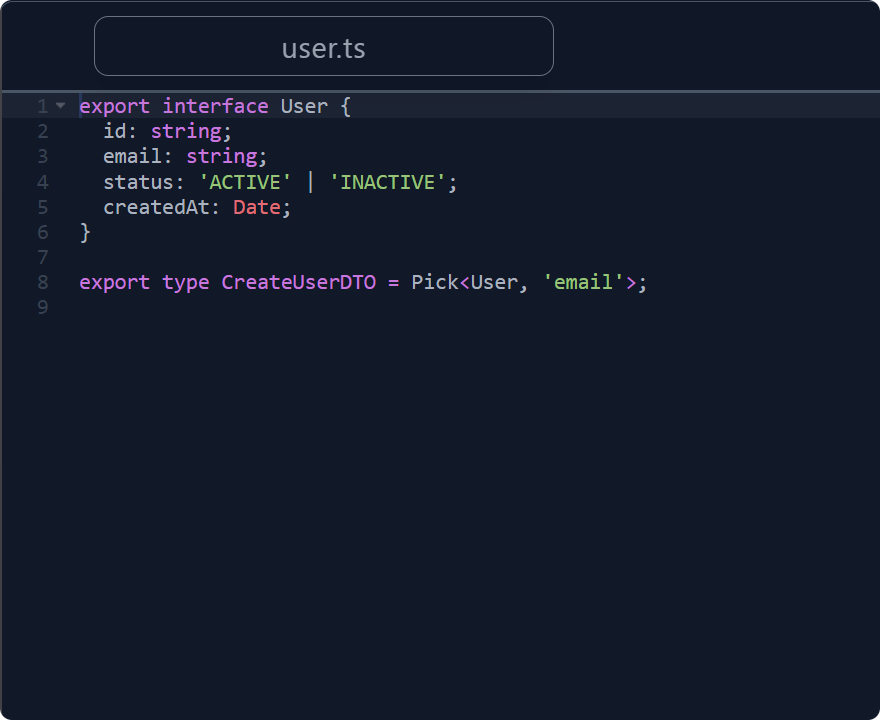
Pane-based layout helps us read code. It reduces the need to memorize code and shows much more information on the screen than tabs do. Panes make it easy to perform basic actions in reading code. Comparing, tracing, double-checking, and recalling what we've read, etc.
Arrange panes for clarity
Function call chains or control flow often span multiple files. With panes, we can sort them to reproduce the function call chains and read them one by one as we scroll. The way to use panes like this makes it easy for us to understand how software works.

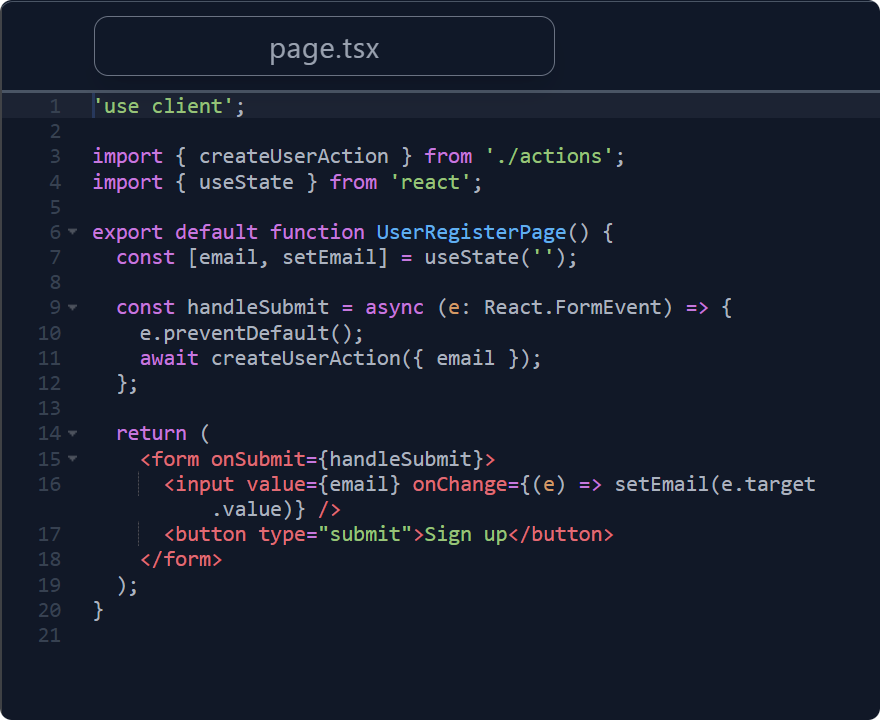
Read it easy helps you improve your code reading skills
Reading source code can be challenging without help
Many programmers prefer writing code to reading it, and almost all frequently encounter difficulties reading and understanding source code. Additionally, there are far fewer technical books about reading code than about writing it. These are common, unsolved problems.
Our motivation is to help programmers solve or alleviate these challenges—Read it easy is designed to make reading source code easier.
Humans still need to read code
AI empowers documentation in software development, but it does not always eliminate the need to read source code. To truly understand how software works, we still need to read and comprehend the code ourselves. That's another motivation we're developing Read it easy—a tool designed to help humans read and understand code.
Following the principles for reading code to assist you
Our solution is to help you read code in accordance with code-reading principles. These principles help you build a mental model of what the software is and how it works. One of the principles we adopt is to trace a function call chain. It helps you understand, especially, the software's control flows. Both the features, animated Go to Definition and pane-based layout, are designed for it.
Read it easy is moving forward to support other principles with new features and solve many problems with reading code. We hope you'll gradually master better ways to read code using Read it easy.
Pricing
Blog
What prevents us from reading and understanding code?
Using a Vertical Monitor for Reading Source Code
FAQ
What is Read it easy?
Read it easy is a desktop app to improve the UI/UX for reading source code. It is a read-only code editor with a pane-based layout and supports both Windows and macOS. Read it easy helps you improve your code reading skills.
Read it easy is moving forward to solve many problems with reading code.
Why Read it easy?
Reading source code can be challenging without help. Many programmers prefer writing code to reading it, and almost all frequently encounter difficulties when reading and understanding source code. Additionally, there are far fewer technical books about reading code than about writing it. These are common, unsolved problems.
Our motivation is to help programmers solve or alleviate these challenges—Read it easy is designed to make reading source code easier.
What are the differences between Read it easy and other code editors/IDEs?
Read it easy uses a pane-based layout, whereas many other code editors/IDEs use a tab-based layout. The pane-based layout reduces the need to memorize code and shows much more information on the screen than tabs do.
Code editors or IDEs are full of notable coding features, like LSP and AI agents, but fewer for reading code. Read it easy is designed to help you read code with its original features. And read only. We suggest you code in your favorite code editor/IDE and read the source code in Read it easy.
Can Read it easy edit or write code?
No. Read only. If you want to edit or write code, you can use your favorite editor/IDE.